Sync
Keep your workspace current across devices without giving up the local-first foundation.
- Encrypt your workspace data before it leaves your machine
- Move seamlessly between Azimuth setups on different devices
Azimuth
Take scattered notes, documents, meetings, tasks, risks, signals, and decisions into one operating rhythm with a local-first desktop command center.
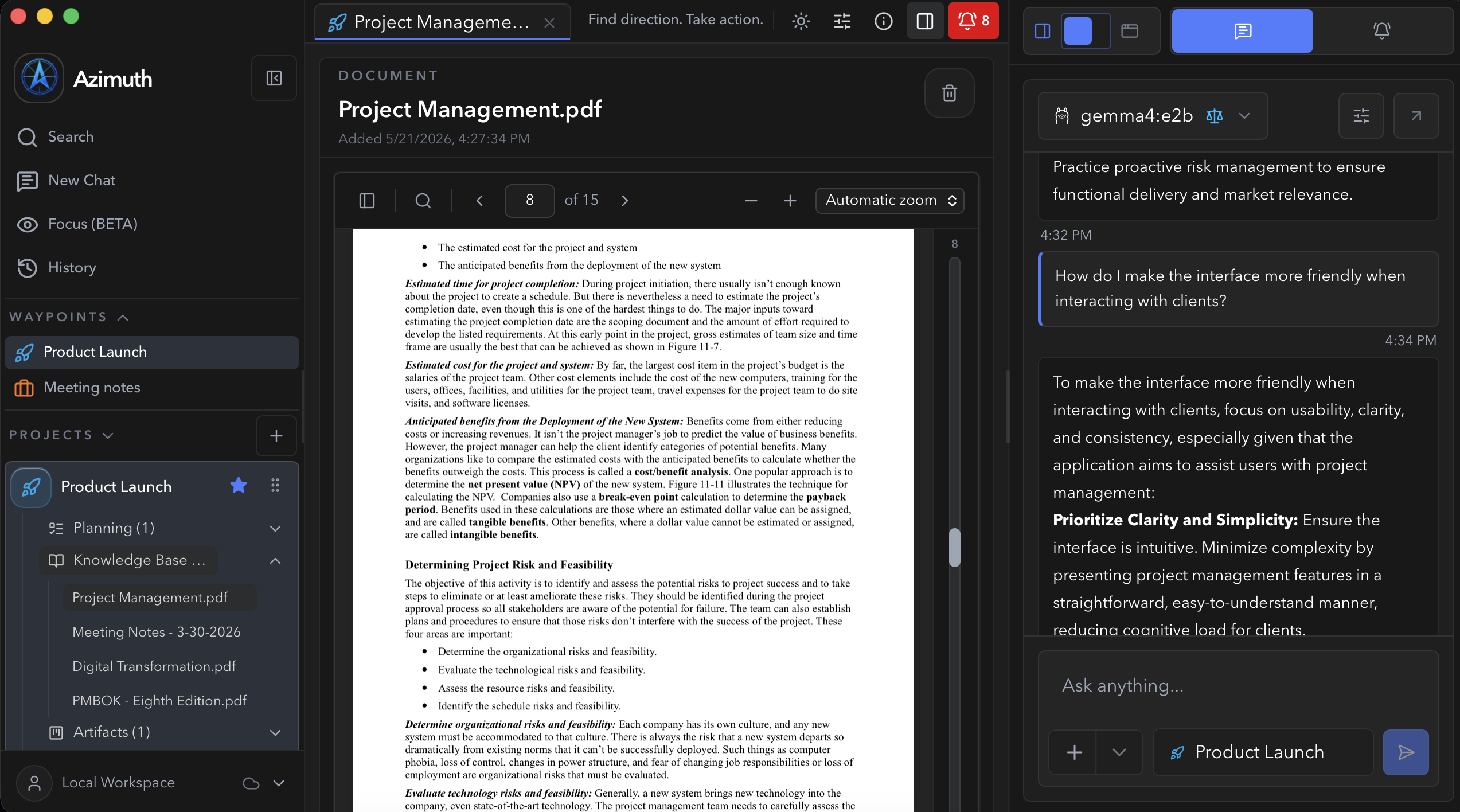
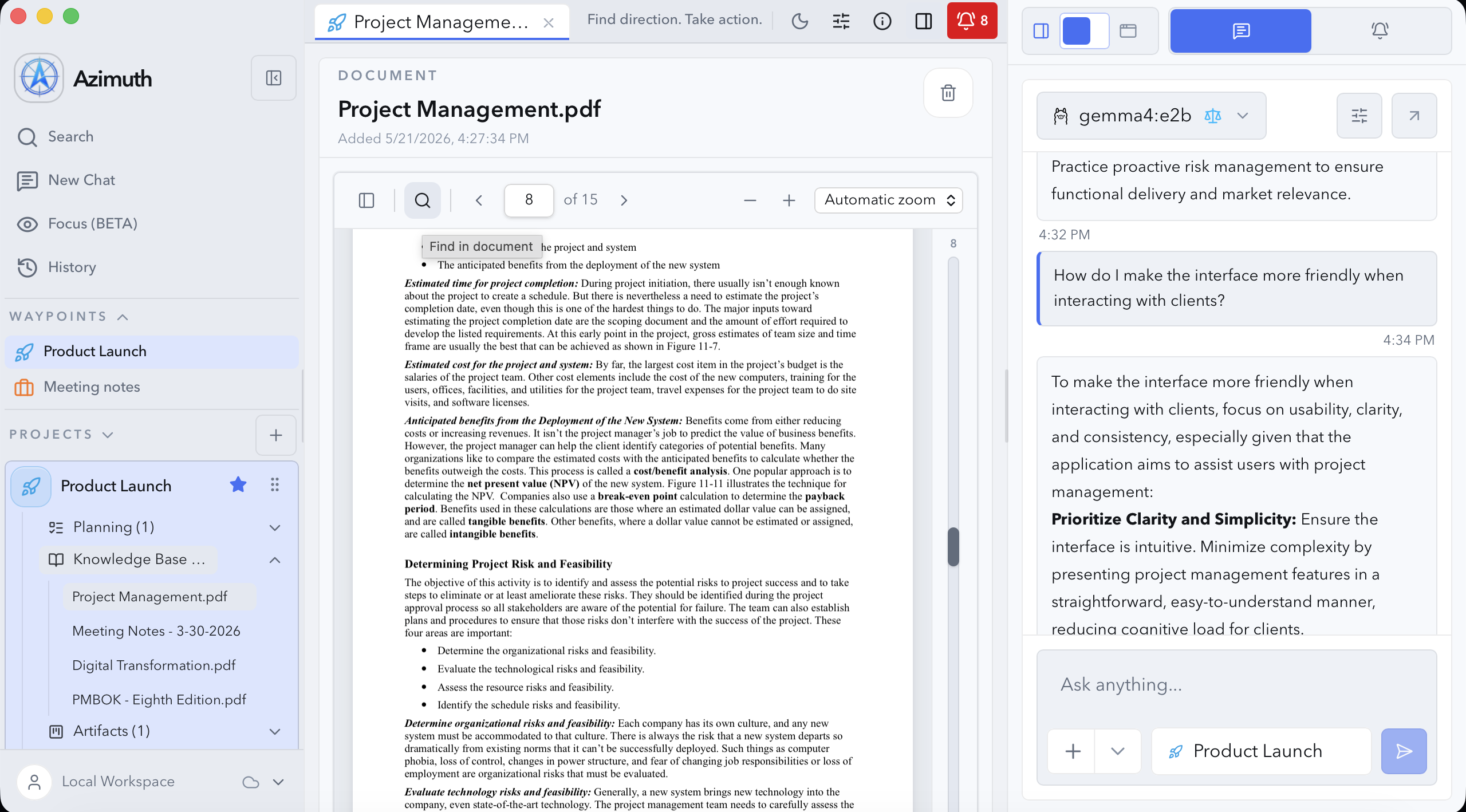
Project command center
Connect several facets of your project (such as guiding narratives, notes, and artifacts) into a local-first workspace built to move your work forward.
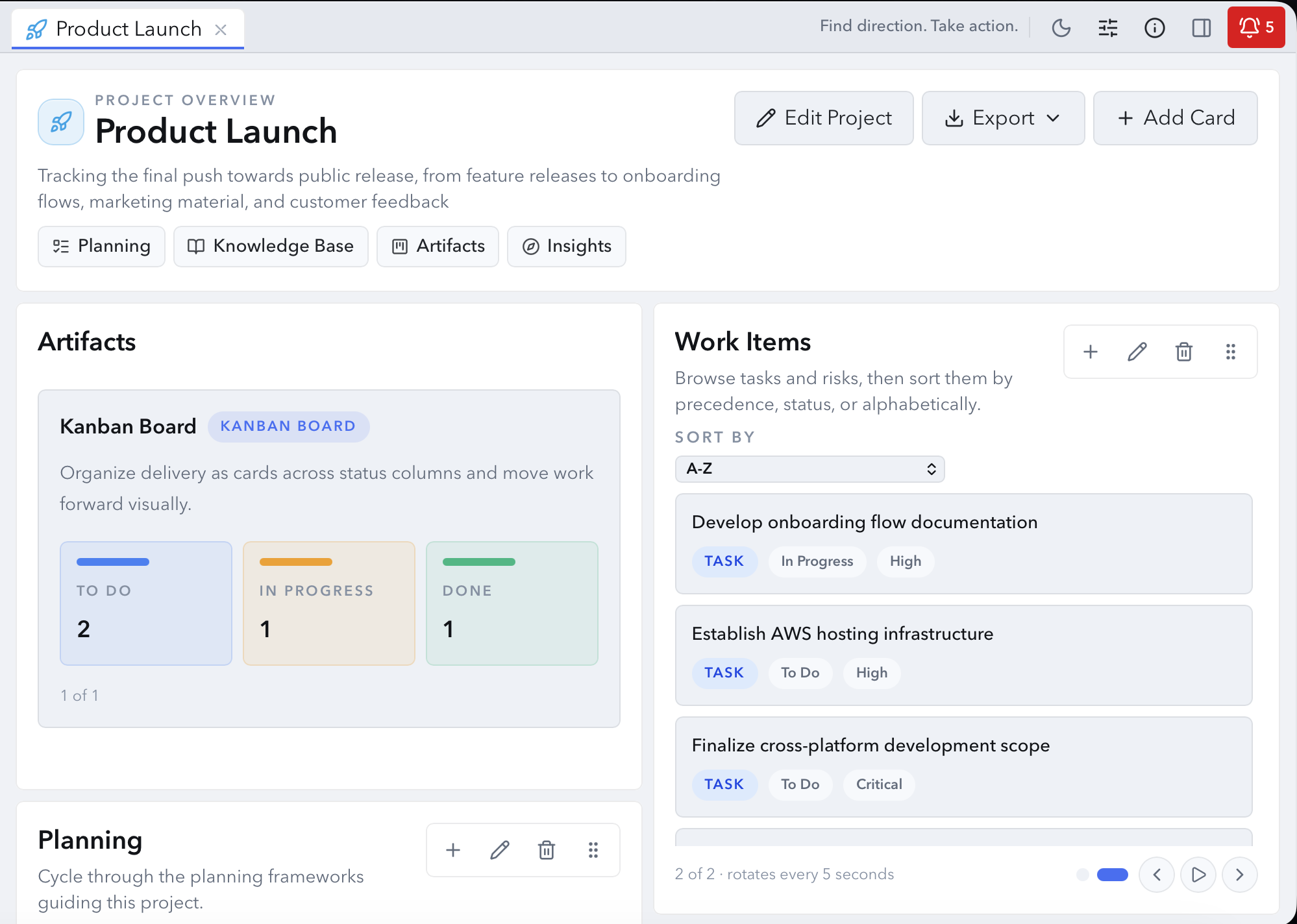
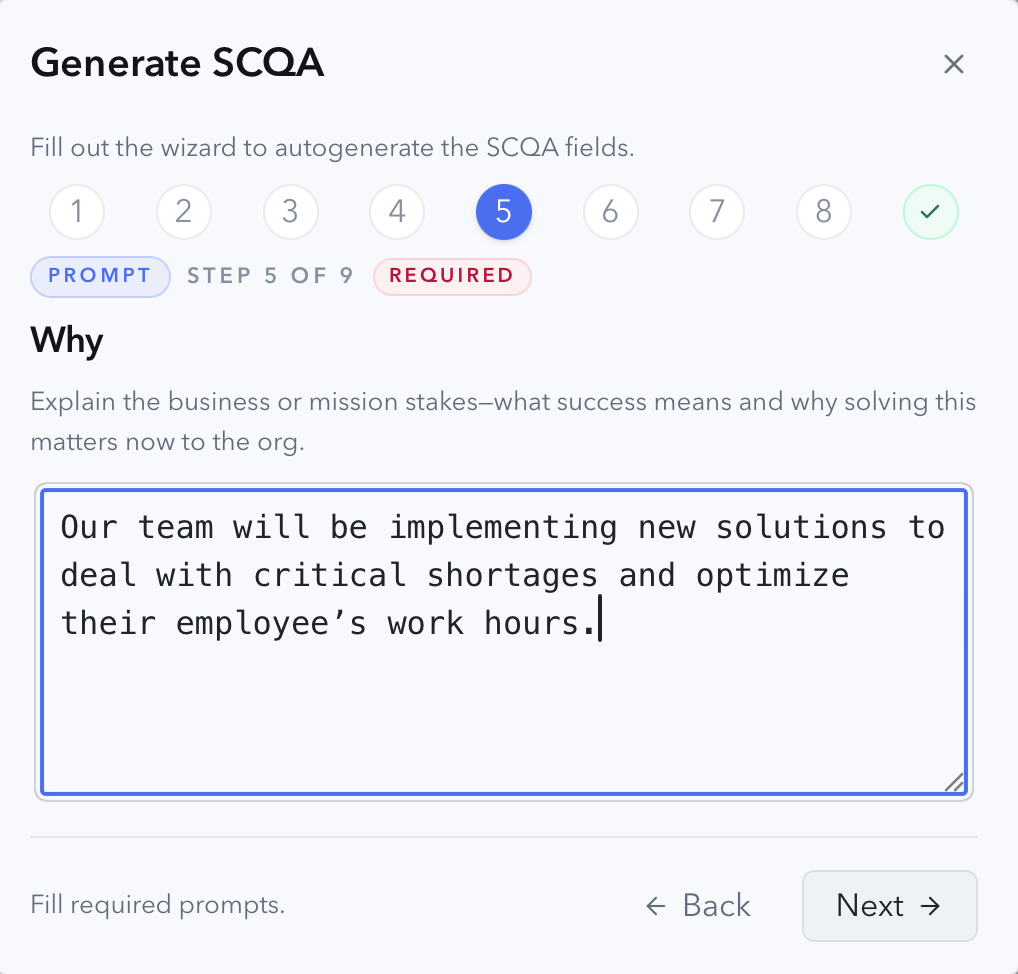
Strategy frameworks
Start with proven strategy frameworks like SCQA (Situation, Complication, Question, Answer) or SWOT (Strengths, Weaknesses, Opportunities, Threats), then refine them with project assumptions, risks, and operational context as your work evolves.
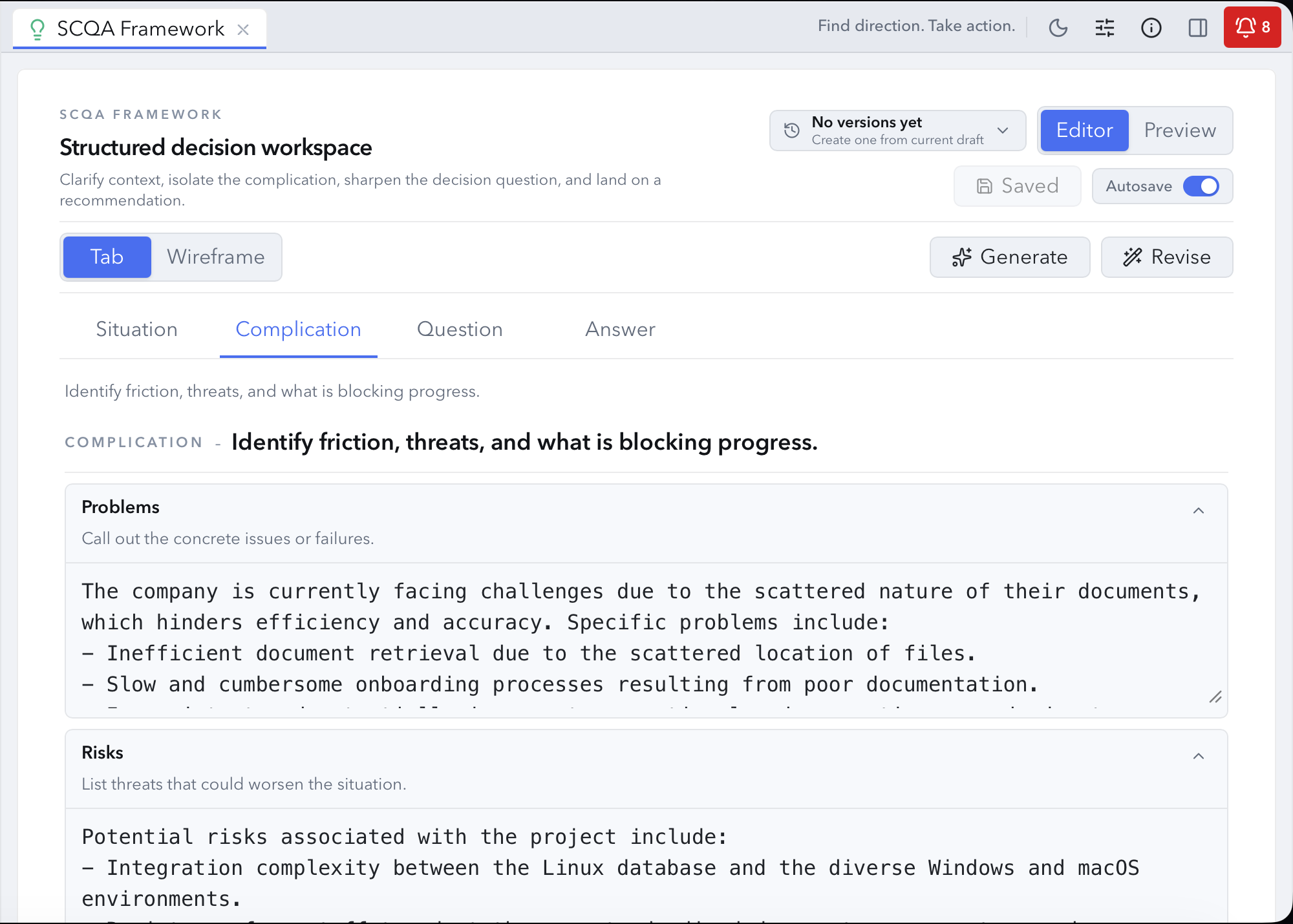
AI-assisted strategy
Utilize the strategy framework wizard with AI models (local or cloud) to generate in-depth strategy frameworks, clarify intent and project direction, expose risks and other concerns, and turn early thinking into usable strategy material.
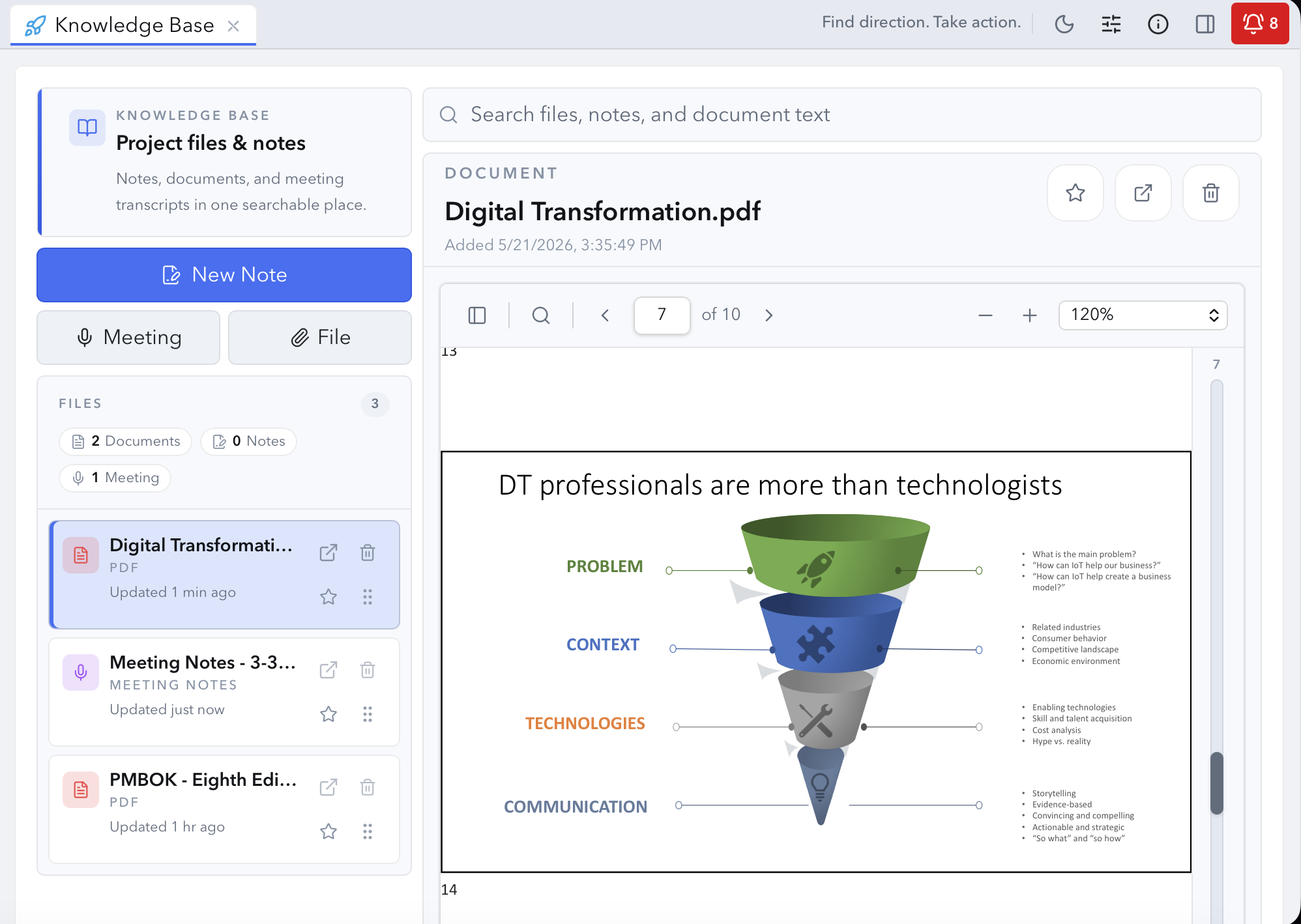
Knowledge base
Keep documents, notes, spreadsheets, and research connected to the project so you (and your AI tools) work from the same information.
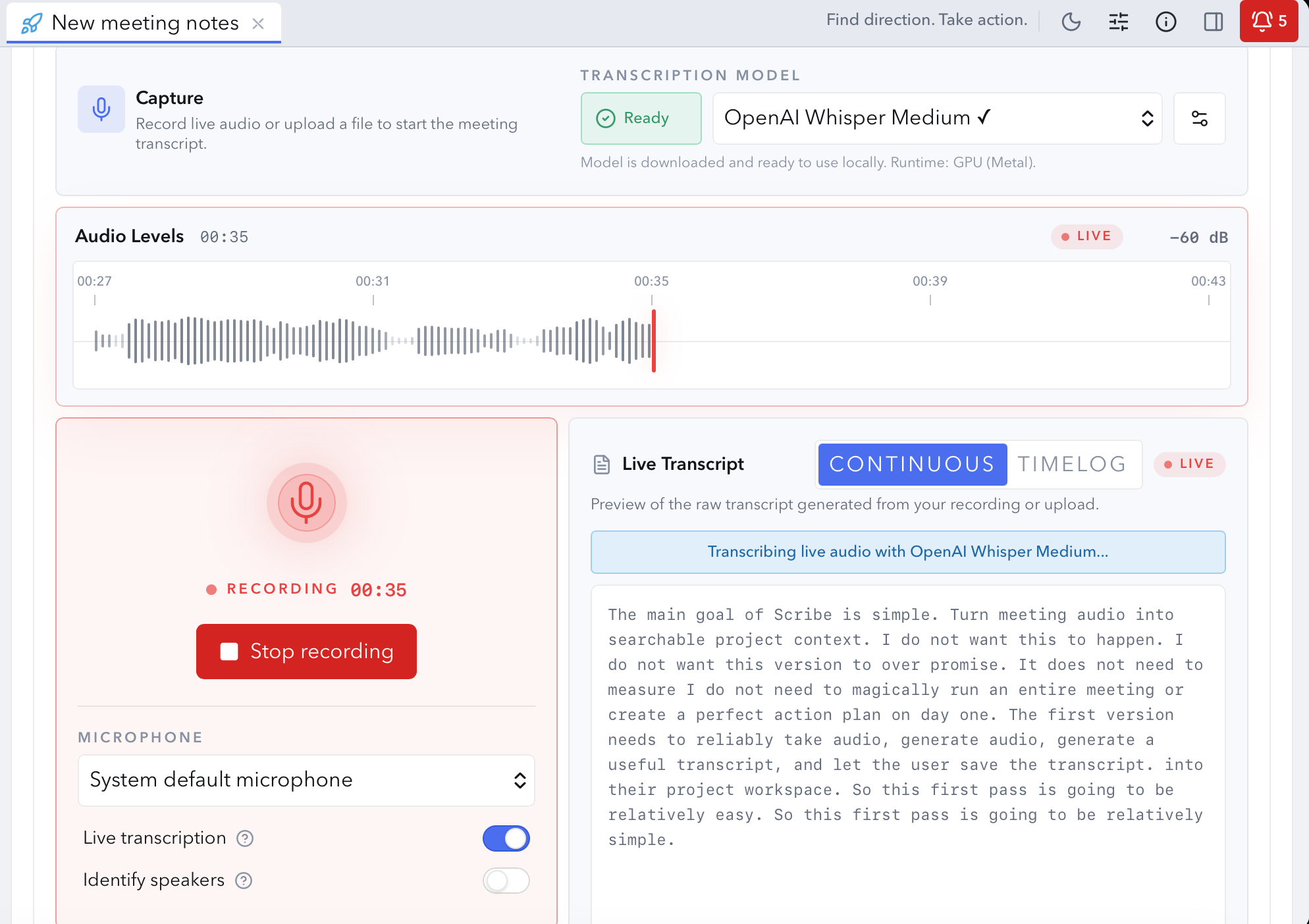
Meeting notes
Record meetings or upload audio, transcribe with local or cloud AI solutions, refine transcripts, summarize decisions, and extract action items.
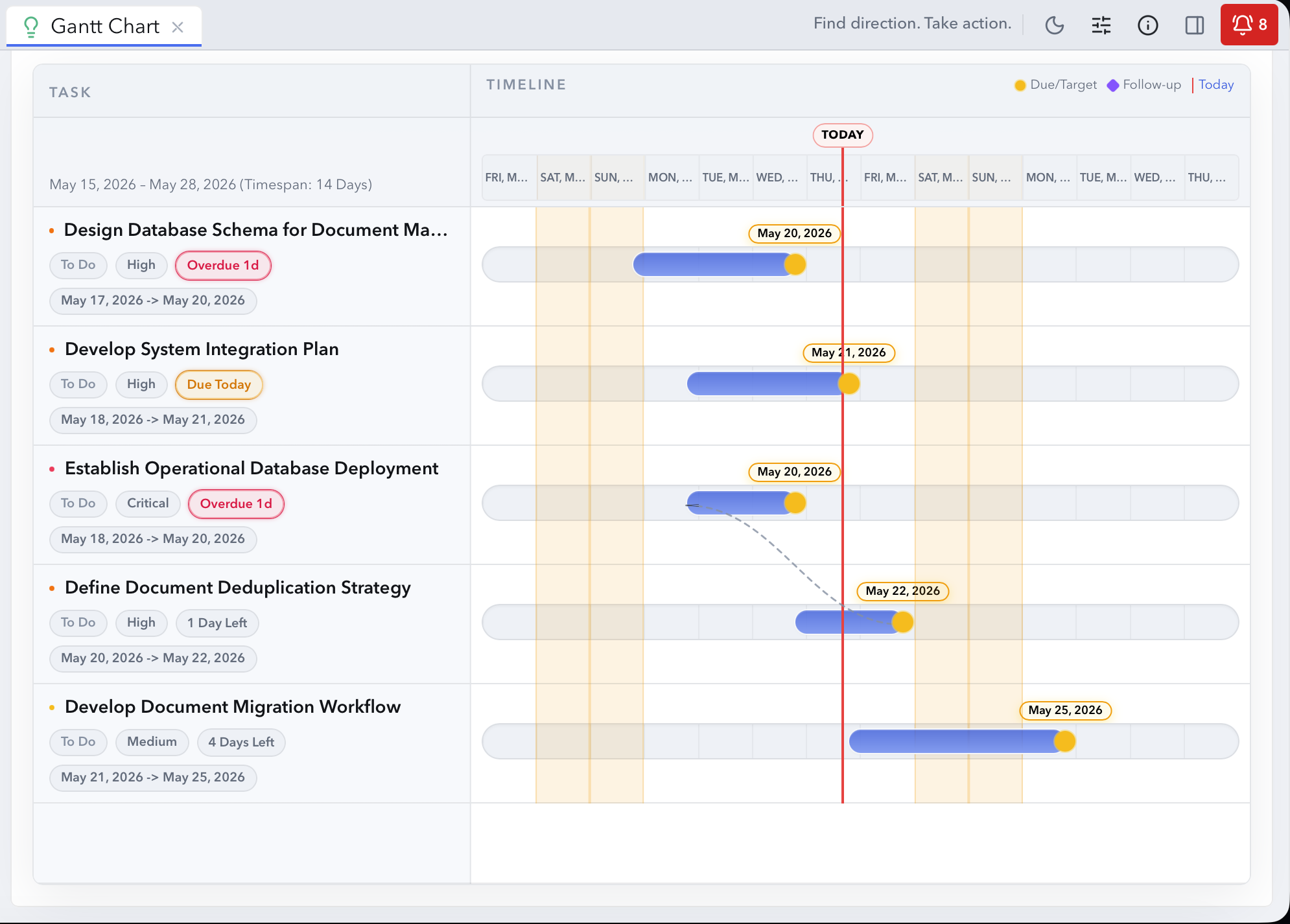
Artifacts
Create Kanban Boards, Gantt Charts, and Risk Registers to visualize progress and keep projects moving forward.
Work item generation
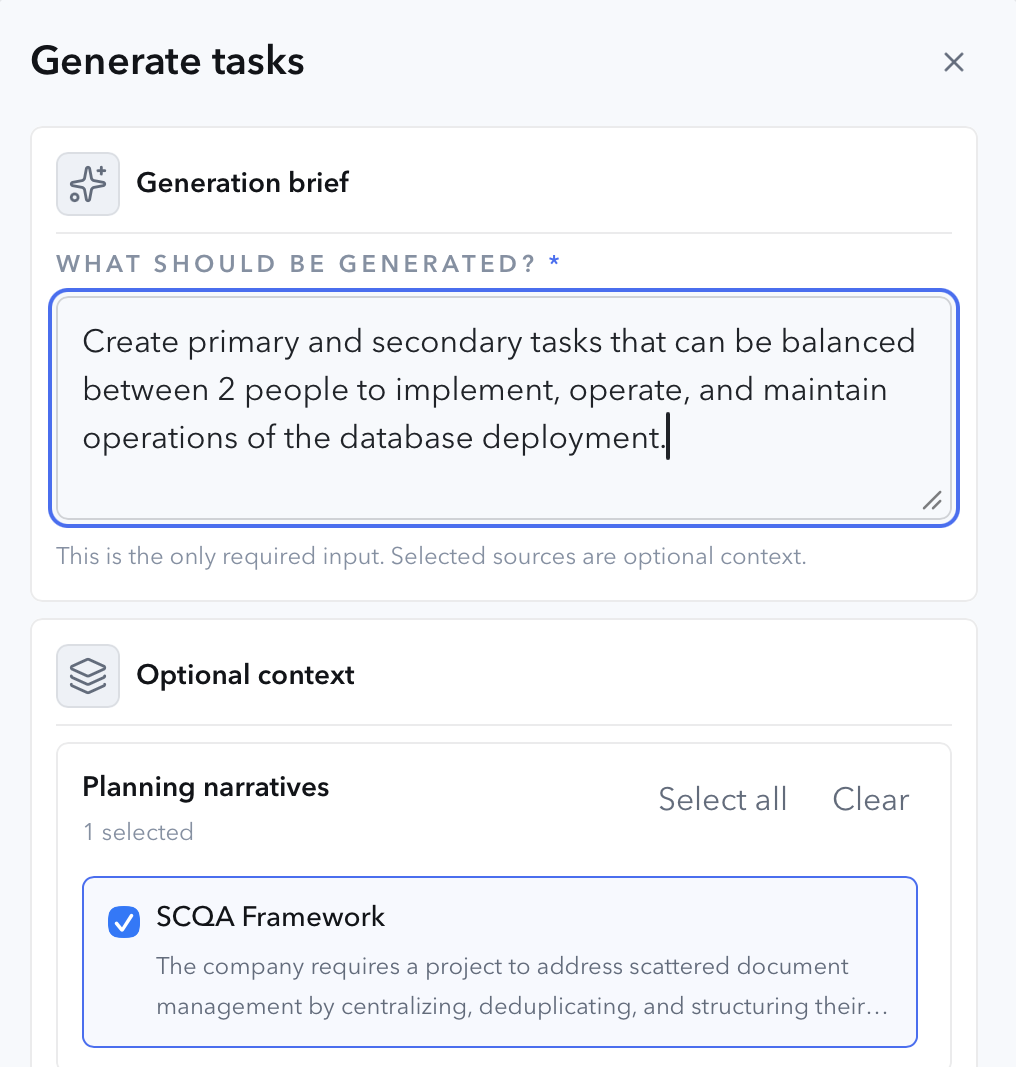
Create tasks and risks by reusing your existing project context (narratives, notes, artifacts, decisions, and more) to ground the creation of your next actions items.
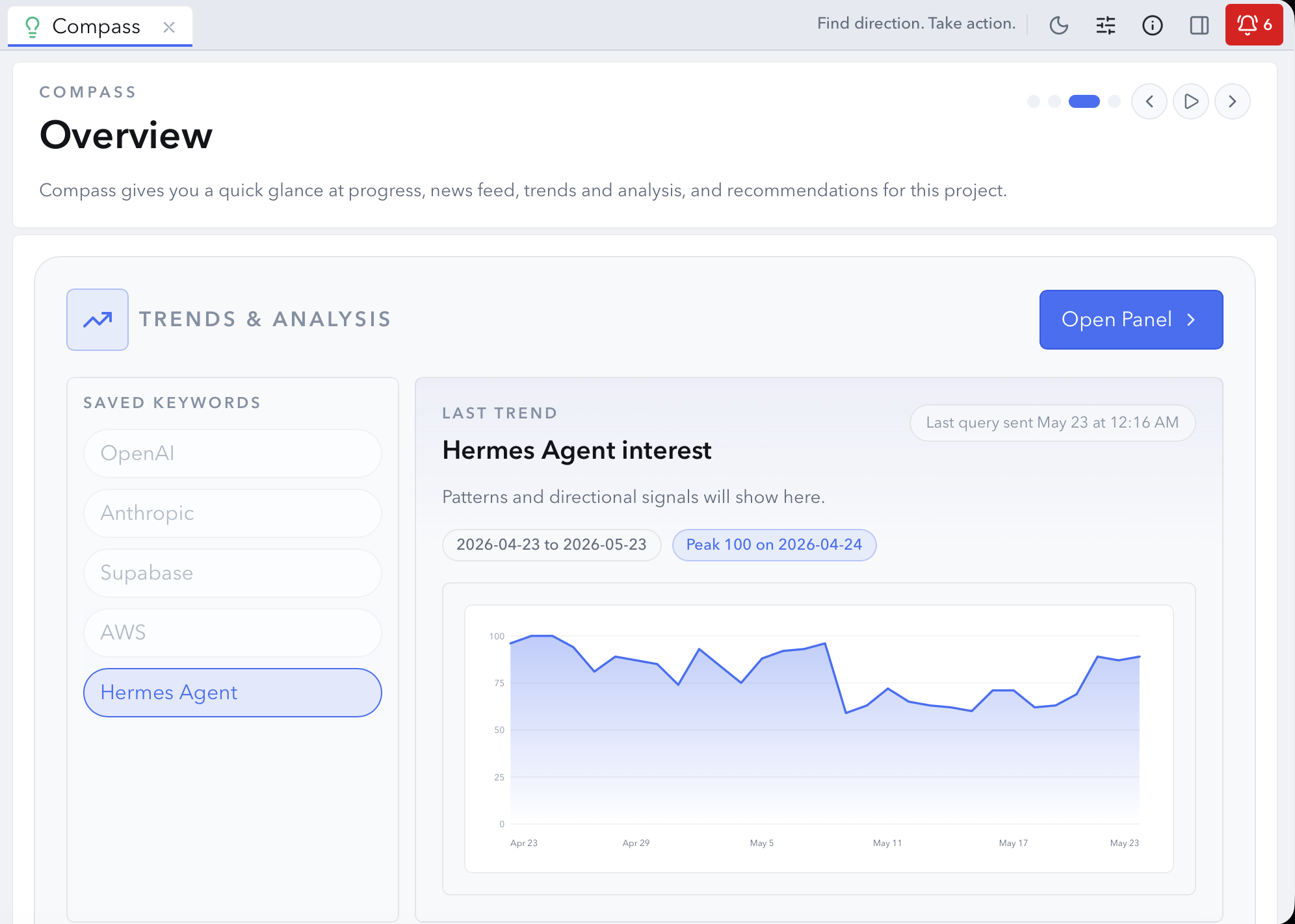
Compass
Compass turns project activity, operational signals, external context, and emerging patterns into actionable insights so you can identify what deserves attention next.
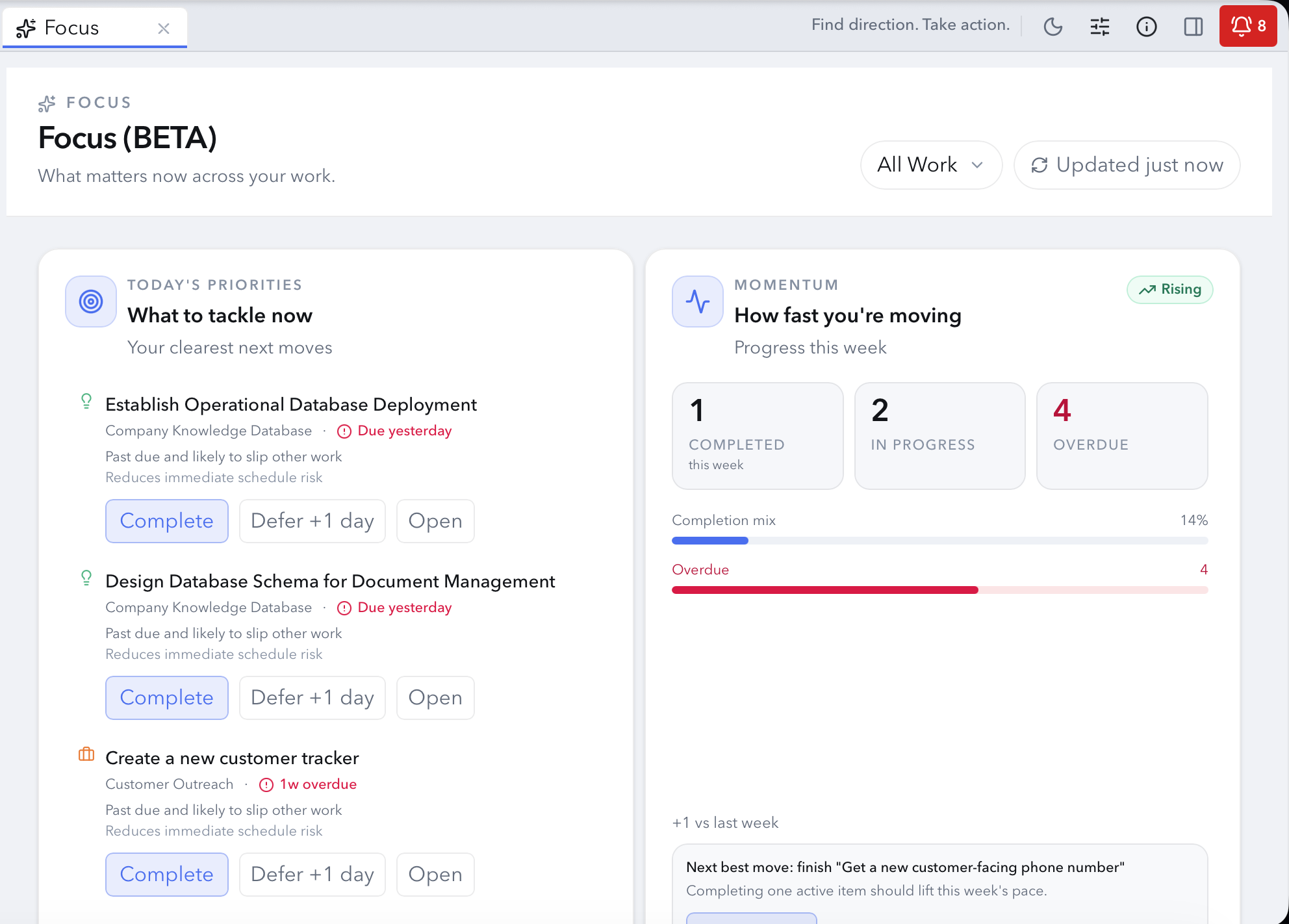
Focus (BETA)
Focus turns project activity, momentum, and operational context into a continuously updated decision summary so you can prioritize faster and keep work moving forward.
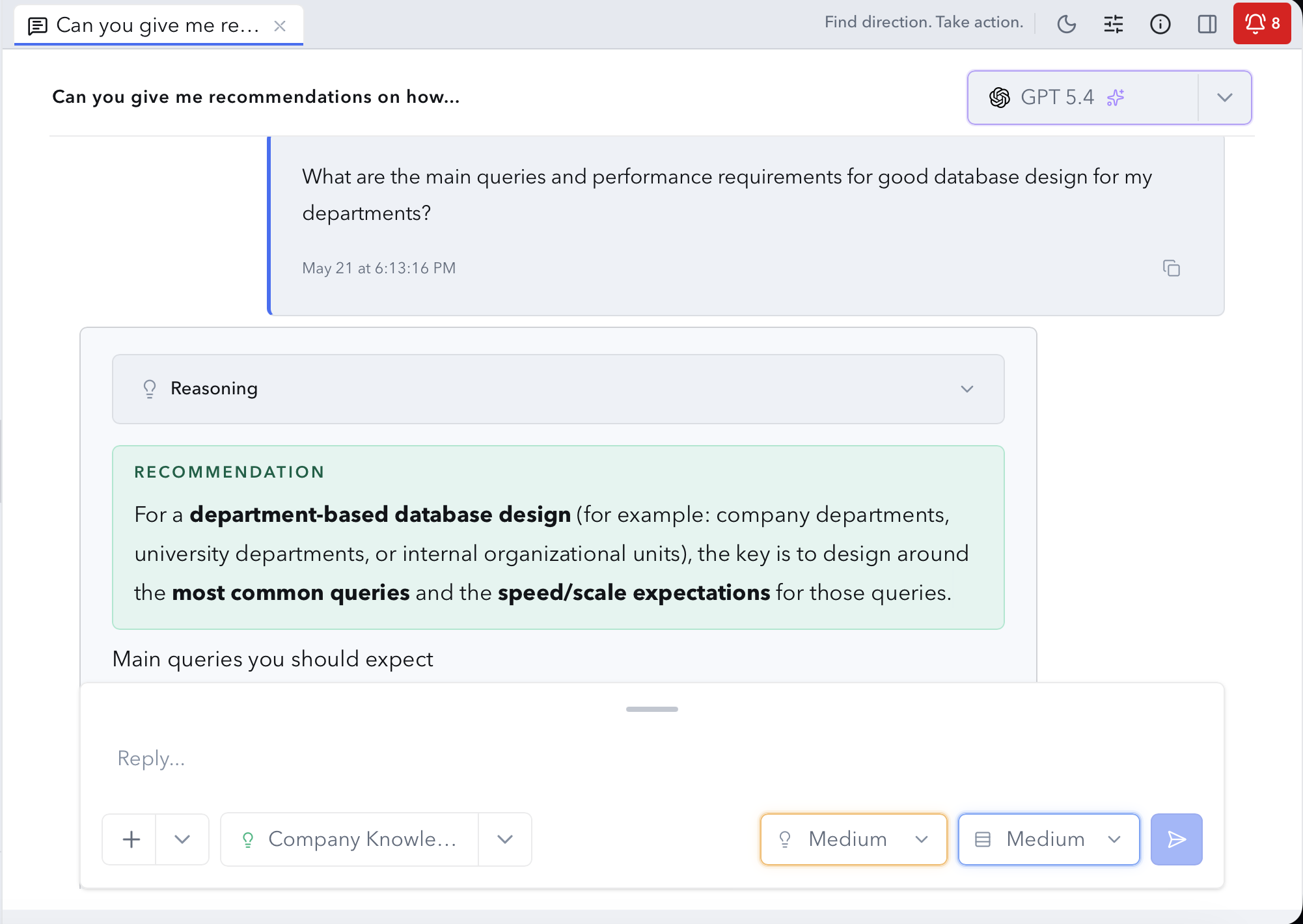
AI assistant
Ask questions against the operational context of projects, utilizing your strategy narratives, connected documents, artifact progress, and external intelligence sources.
Momentum (BETA)
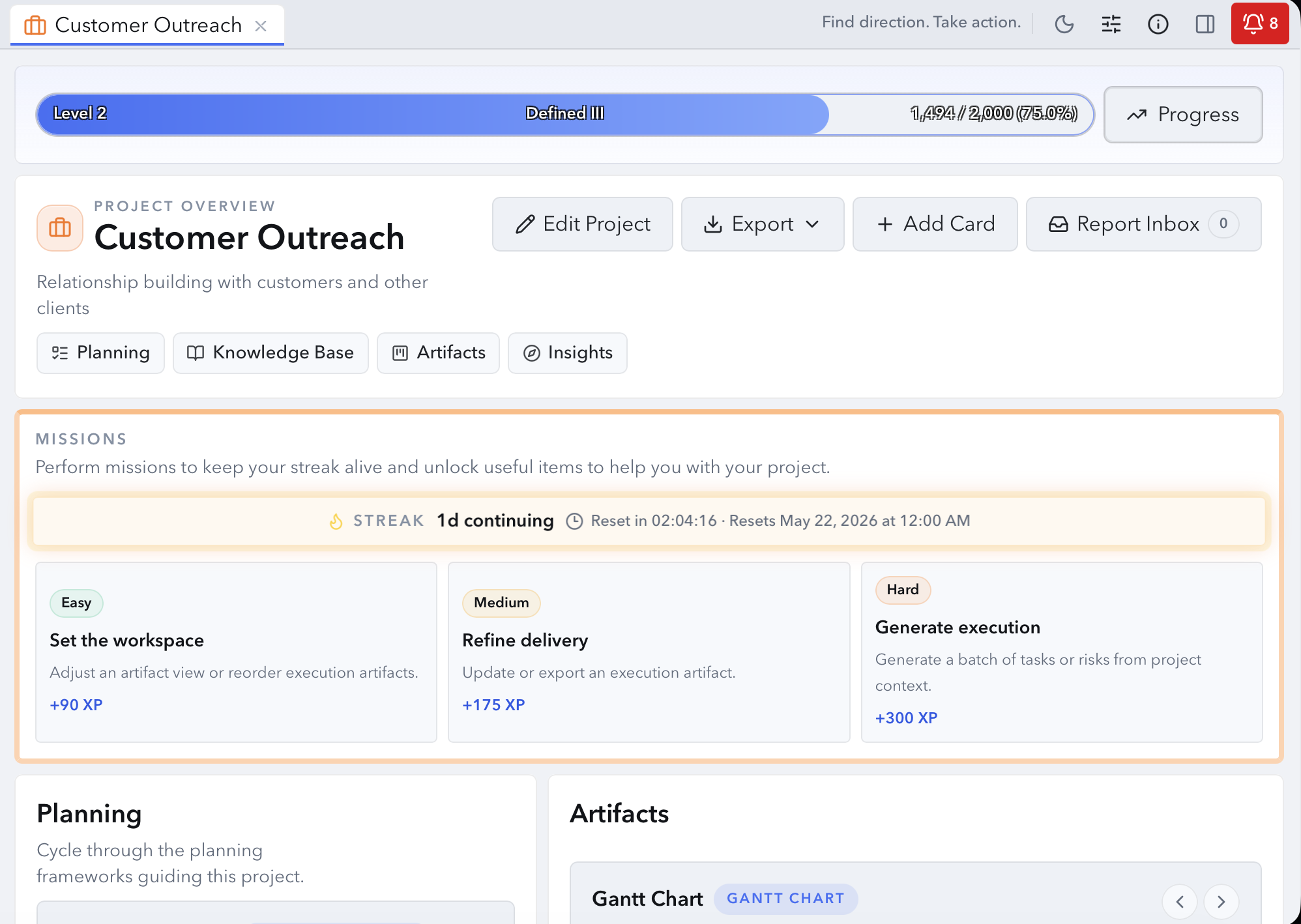
Azimuth adds optional, lightweight gamification with missions, streaks, progression, and momentum systems designed to reinforce consistency and keep meaningful work moving forward.
Azimuth Connect
The desktop app is useful on its own. Add optional services to extend core capabilities with Azimuth Connect.
Keep your workspace current across devices without giving up the local-first foundation.
Utilize the Pulse service to add web search and e-mail updates to your workspace.
Utilize the Scribe service to capture meetings with frontier-level AI transcription.
Frontier Intelligence
Powered by the Cortex Engine, this service provides Azimuth with a managed access layer for frontier models, adding AI variety and redundancy to your project with leading AI platforms from one connected service.
Cortex includes Sync plus lite Pulse and Scribe credits.
Get Started
Find Direction. Take Action.Download Azimuth and build, organize, and move projects forward from one connected workspace..
No account required.